Turn any webpage into a screenshot worth sharing
Stop pasting blurry screenshots into design tools. Lustly captures any area of a page, adds a frame, background, and annotations, then saves it as a crisp PNG.
Free for personal use. No signup needed.
Everything you need to make a screenshot worth sharing
No tab switching, no subscriptions for the basics - just a clean editor that turns a rough capture into something polished in seconds.
Pixel-perfect selection
Drag to select any part of the page. Lustly adjusts for device-pixel ratio and scroll position, so your crop is sharp every time.
How it works: Click the Lustly icon, drag over the area you want, and release. The capture matches your screen's exact pixel density.
Browser & device frames
Wrap your shot in macOS, Windows, or Linux browser frames. Pro users can also drop screenshots into MacBook, iPhone, and Android device mockups.
How it works: Pick a frame preset from the sidebar. Free users get browser frames; Pro users unlock realistic MacBook, iPhone, and Android mockups.
Beautiful backgrounds
Pick gradients, solid colors, textures, or transparent exports. No messy desktop peeking through the corners.
How it works: Open the Background panel and choose a gradient, texture, solid color, or transparent export.
Clear annotations
Add arrows, shapes, text, blur masks, and freehand marks. Point to what matters without writing a paragraph.
How it works: Select an annotation tool and click or drag on the screenshot to add arrows, shapes, text, or blur sensitive areas.
Export anywhere
Download a high-resolution PNG or share straight from the browser using the native share sheet.
How it works: Click Export and choose PNG download or use the system share sheet to send the image directly.
AI background removal
Remove busy backgrounds from any screenshot in one click. The AI runs locally in your browser, so your images never leave your device.
How it works: Select the AI Background Removal tool and Lustly automatically masks the subject, leaving a clean transparent background.
Select any area of a page, then frame, annotate, and export.
Three steps to a better screenshot
We stripped out the clutter so you can go from idea to export in under a minute.
Click the icon
Open Lustly from the Chrome toolbar. No account or signup needed for the free version.
Select the area
Drag over the part of the page you want. Press Escape anytime to cancel.
Style and share
Add a frame, background, and annotations, then download or share the final image.
Simple pricing, no surprises
Start free. Upgrade when you need AI and social ratios.
Free
- No account required
- Drag-to-select capture
- Window frames & basic backgrounds
- Annotations & blur tools
- PNG export up to 1080p
Pro
- Premium backgrounds + custom upload
- AI background removal
- Social media ratios
- 4K / lossless export
Lifetime Pro also available for $99. See all pricing details.
From the blog
Tips, workflows, and product updates for people who communicate with screenshots.
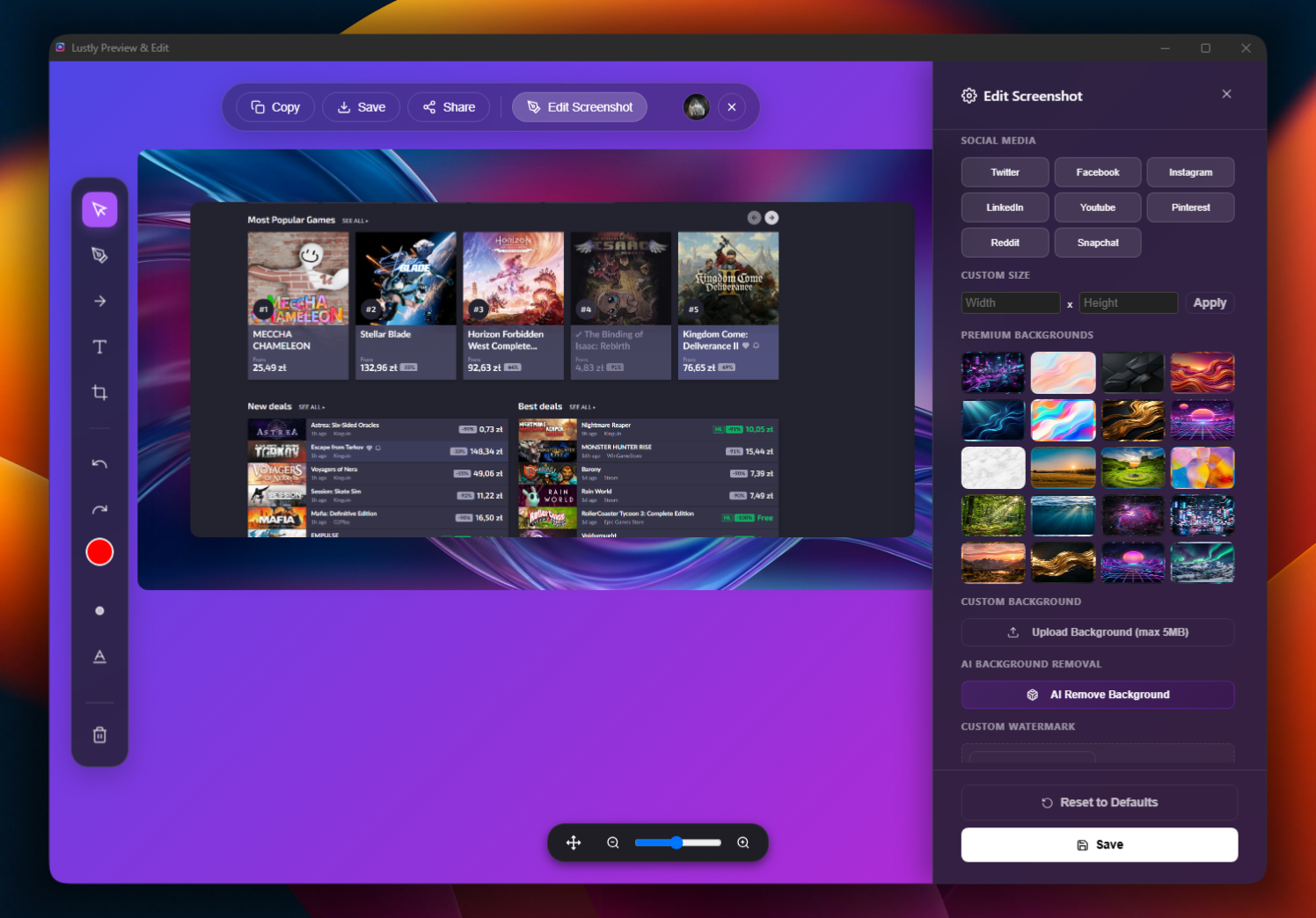
Why I Built Lustly: A Screenshot Tool I Actually Wanted
The honest story behind Lustly, a Chrome extension that turns messy screenshots into beautiful, polished screenshots in seconds.
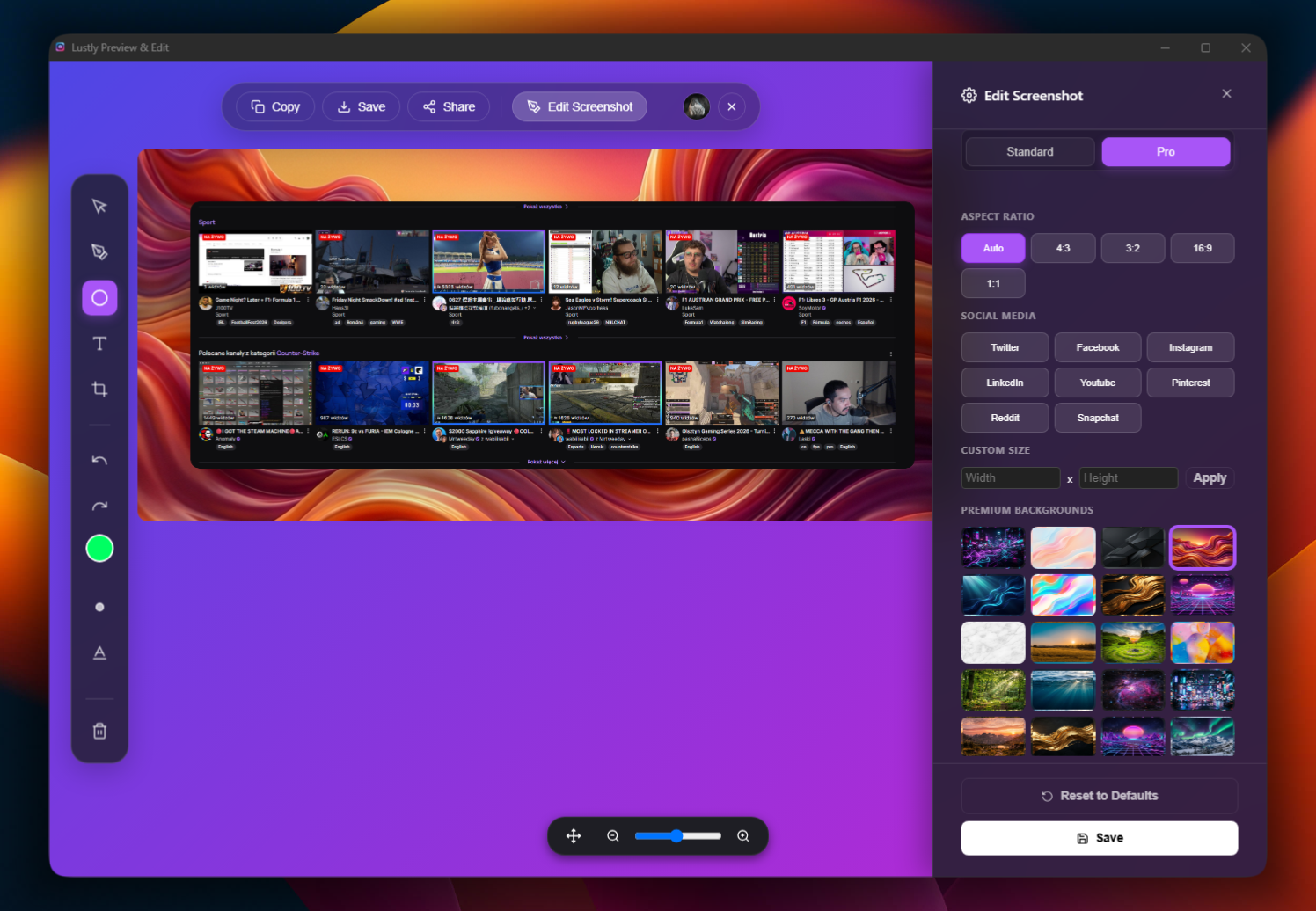
How to take better screenshots in 2026
A practical guide to framing, annotation, and consistency for screenshots people actually want to read.
Annotations that clarify instead of confuse
A few rules for using arrows, blur, and text to make screenshots easier to understand.
Make Beautiful Screenshots your default
Join the users who are replacing bloated design tools with one Chrome extension. No credit card needed.