
Why I Built Lustly: A Screenshot Tool I Actually Wanted
The honest story behind Lustly, a Chrome extension that turns messy screenshots into beautiful, polished screenshots in seconds.
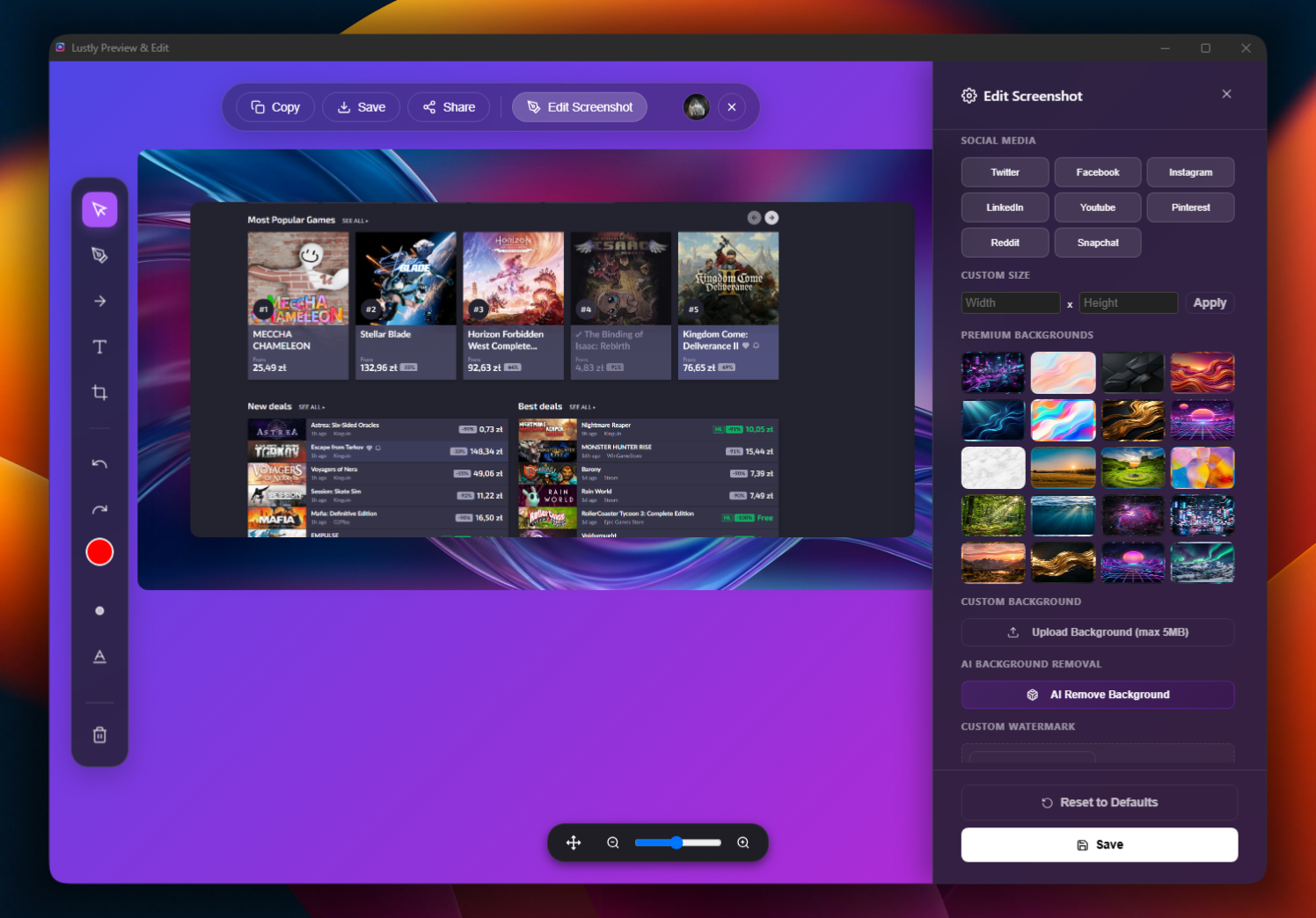
Lustly started because I was tired of my own screenshots looking like evidence photos. I'd grab a screenshot, crop it in one app, drag it into another to add a frame, export it, realize the crop was off, and start the whole dance again. It was boring and it happened almost every day.
I wanted a Chrome extension that just did the job. Select an area, add a frame, tweak the background, and export something that looked intentional. No tab switching, no signup wall, no tutorial to sit through.
So I built Lustly. The first version was rough—ugly buttons, a few frames, and a download button that mostly worked. But it was enough to replace my old workflow, and I started using it before it was pretty.
Now I see designers, product managers, support teams, and creators using it to make polished screenshots without opening five different tools. That still surprises me in a good way. I built it for myself, but it turns out a lot of people had the same annoyance.
For me, a good screenshot tool should stay out of the way. It should make beautiful screenshots feel easy, not like a design project. That's still the north star for every update I ship.